
Getting Started with Character Preparation
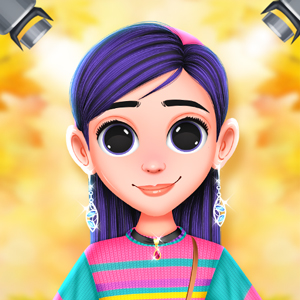
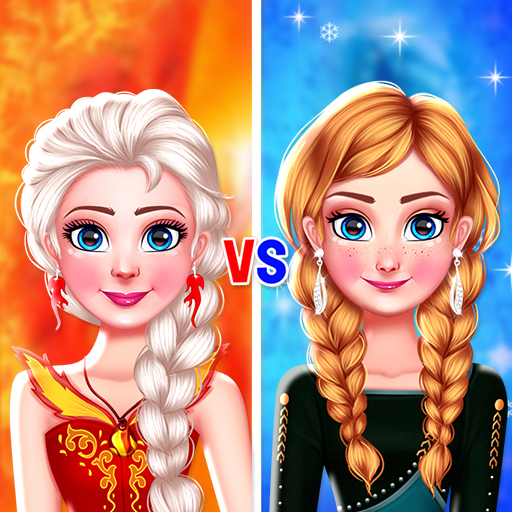
Players begin by choosing from a selection of characters, each awaiting a complete look for a formal evening occasion. The process starts with browsing through an extensive wardrobe filled with gowns, footwear, and decorative items. Users can try different combinations freely, adjusting colors and styles until they achieve a satisfying result. The game encourages experimentation without time limits or scoring pressure, making it suitable for relaxed play sessions.
Exploring Wardrobe Options
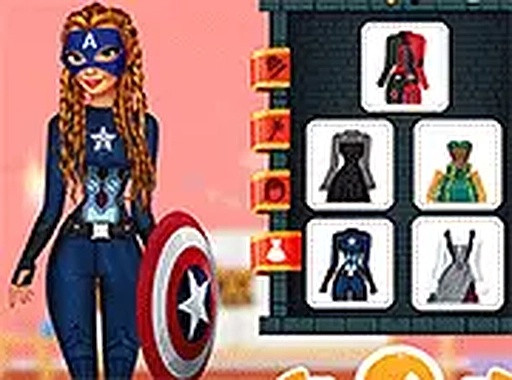
The clothing collection includes a variety of dress lengths, sleeve styles, and fabric patterns. Footwear ranges from simple flats to more elaborate heeled designs, each available in multiple hues. Accessories such as necklaces, earrings, and hairpieces add finishing touches to any outfit. Players can layer these items to create cohesive or contrasting looks, depending on their personal preference. The system allows for quick swapping between options, so trying different combinations remains efficient.
Makeup and Beauty Customization
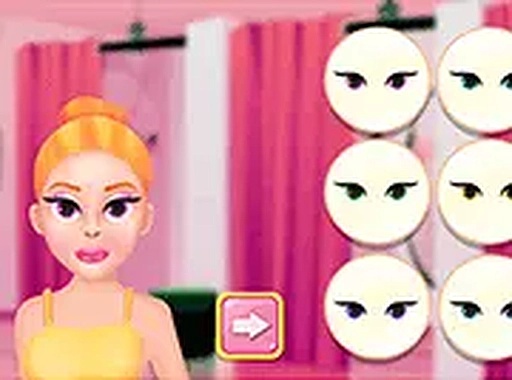
After finalizing clothing choices, players move to a makeup section where they can apply cosmetics to the character's face. Options include lip colors, eye shadows, blushes, and other enhancements. Each category offers a palette of shades, from subtle neutrals to brighter tones. Users can coordinate makeup with the chosen outfit for a harmonious appearance or experiment with bold contrasts. The interface responds to touch or mouse input, making selection straightforward for younger players.
Saving and Sharing Creations
Once a look is complete, players have the option to save their work locally or share it with friends. The save function stores the current combination, allowing users to revisit and compare different styles later. Sharing options vary by device but generally include standard social sharing methods. This feature lets players showcase their creativity and receive feedback from others, adding a social dimension to the experience.
Accessibility and Technical Notes
The game runs entirely in a web browser without requiring any downloads or installations. It supports full-screen mode for a more focused view and works across multiple platforms including Windows, macOS, iOS, and Android. Controls are optimized for both mouse and touch input, ensuring smooth interaction on laptops, tablets, and smartphones. The lightweight design means it loads quickly even on slower internet connections.



Comments
0 comments